Snap receipts, organize expenses, and export clean reports ready for reimbursement — without the headache.



Three simple steps to transform your expense tracking
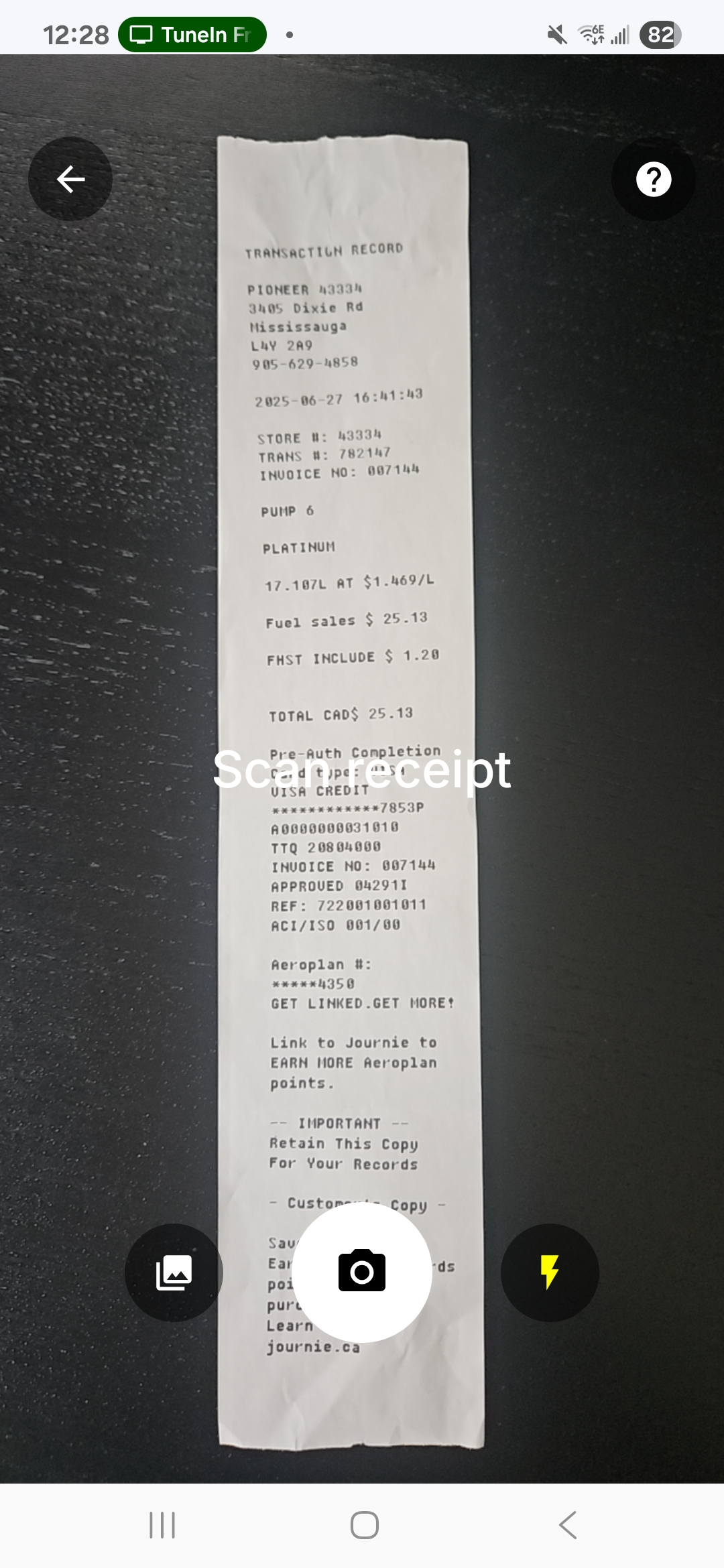
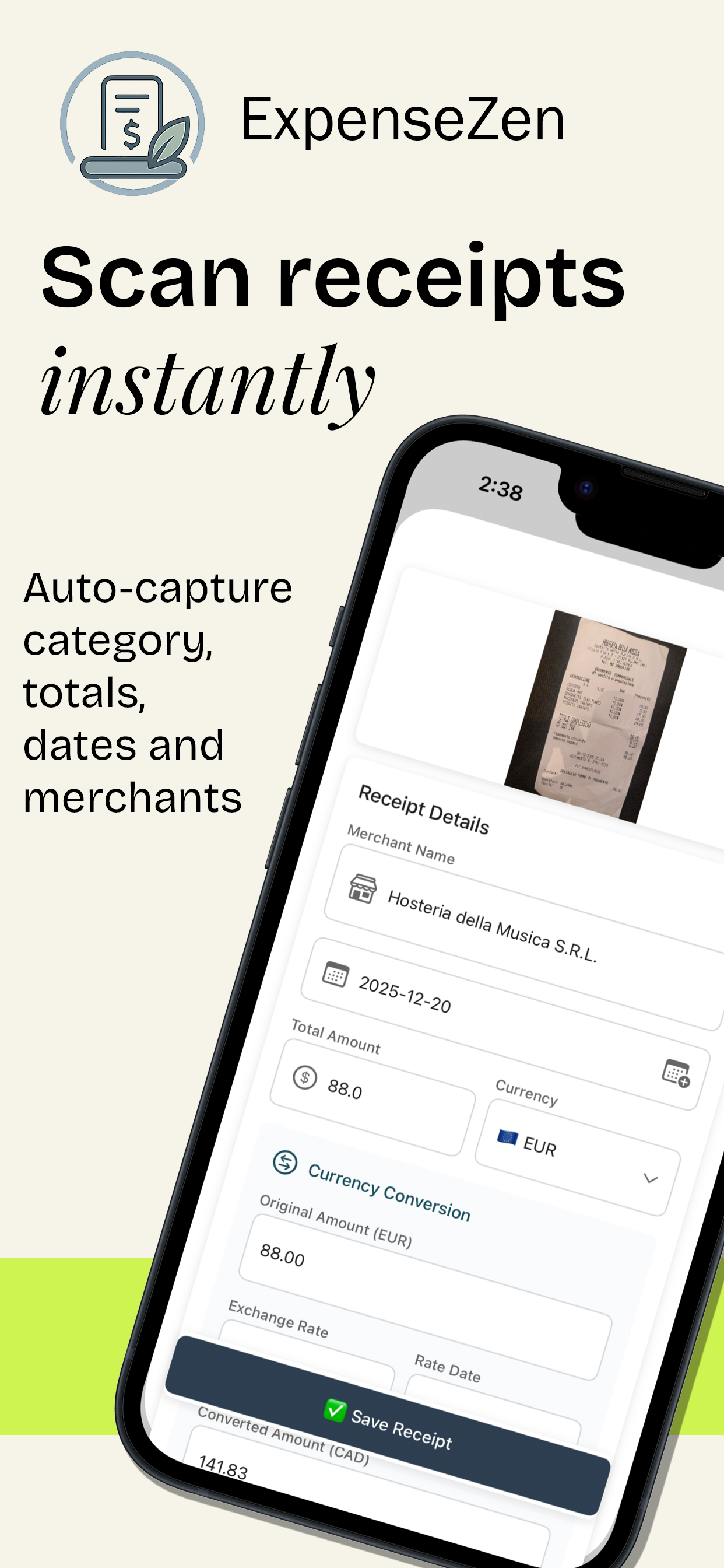
Simply take a picture of your receipt with your phone camera
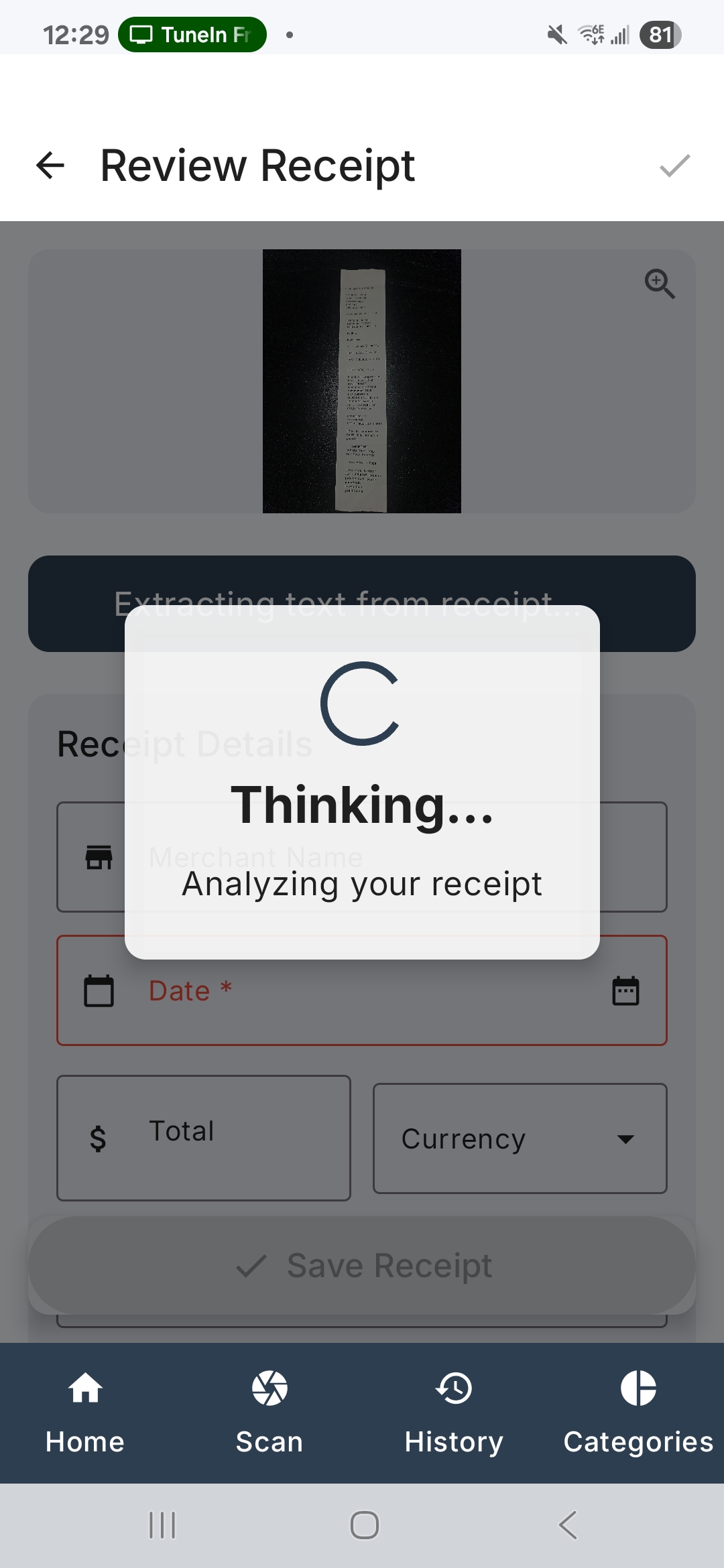
Our advanced AI automatically extracts and categorizes all receipt data
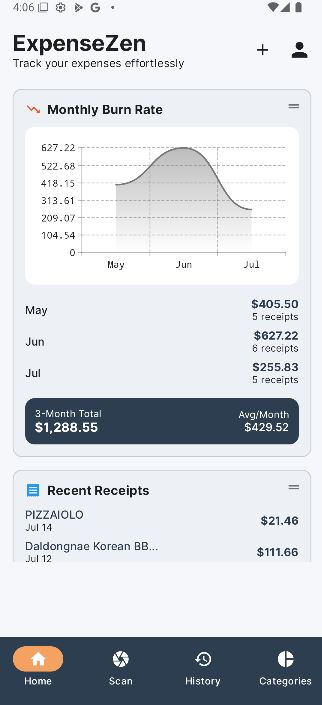
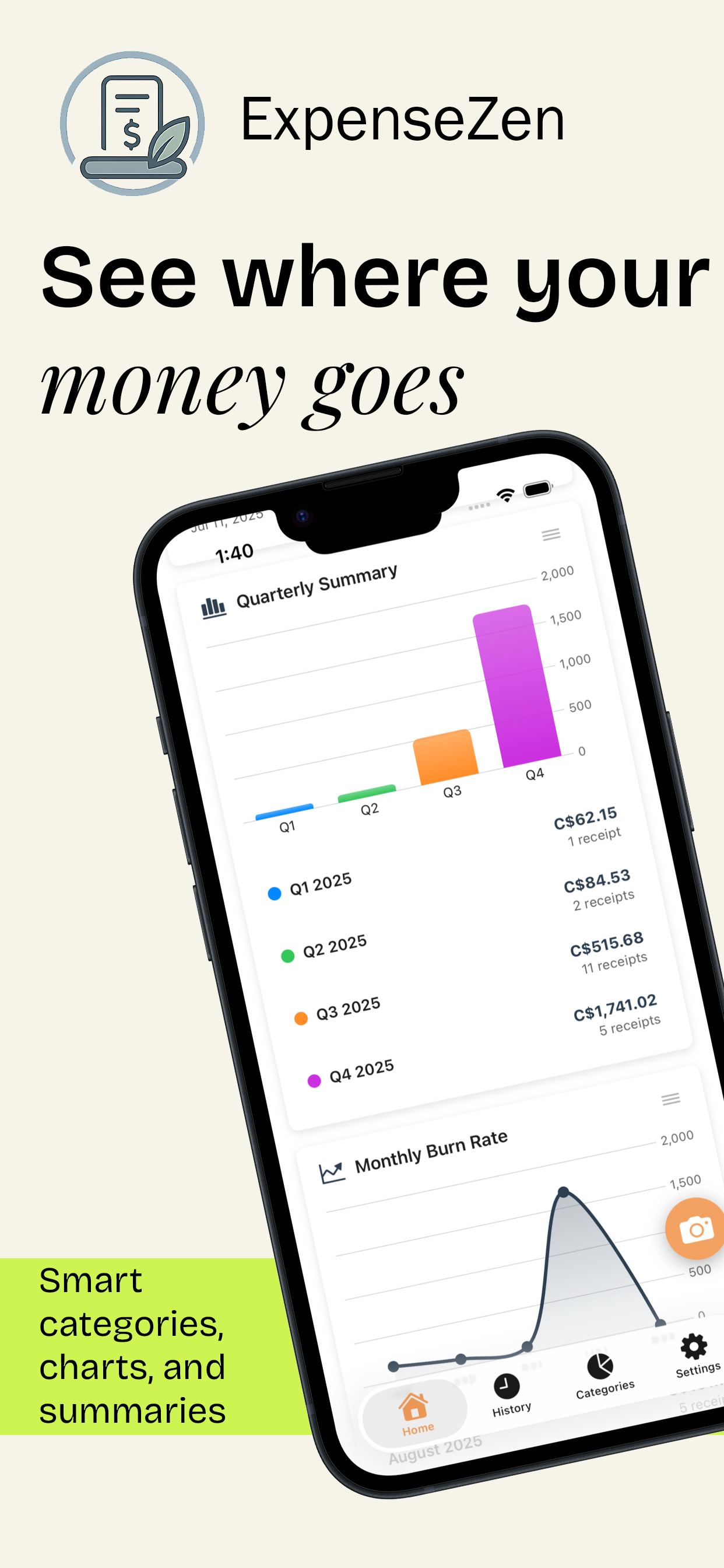
View insights, generate reports, and track your spending patterns
ExpenseZen is designed for contractors, small businesses, and people who collect travel or reimbursement receipts
Manage project costs and receipts. Track materials, tools, and job expenses by project so billing stays clear and records stay ready when you need them.
Keep day-to-day receipts organized without a shoebox. Categorize spending, group by client or project, and export clean reports for bookkeeping or year-end prep.
Capture travel, meals, and out-of-pocket receipts on the go. Build organized reports you can send for reimbursement without Sunday-night scrambling.
Feedback from people who tested ExpenseZen while we built it
"ExpenseZen has completely transformed the way I track and understand my spending. The app is clean, fast, and incredibly intuitive, everything is exactly where you expect it to be. Easy to categorize expenses, view clear summaries. Design feels modern, and the smart insights help me stay on top of my budget without feeling overwhelmed. It's rare to find an app that's both powerful and simple, but ExpenseZen nails it. If you want a stress-free budgeting tool to stay organized, highly recommend."
"ExpenseZen is a clean, intuitive budgeting app that actually makes tracking expenses simple. Adding transactions is quick, categories are organized, and the visual summaries make it easy to understand where your money goes. It's reliable, clutter-free, and genuinely helpful for staying on top of your finances. Love the export feature. Highly recommended!"
Watch how easy it is to track your expenses with ExpenseZen
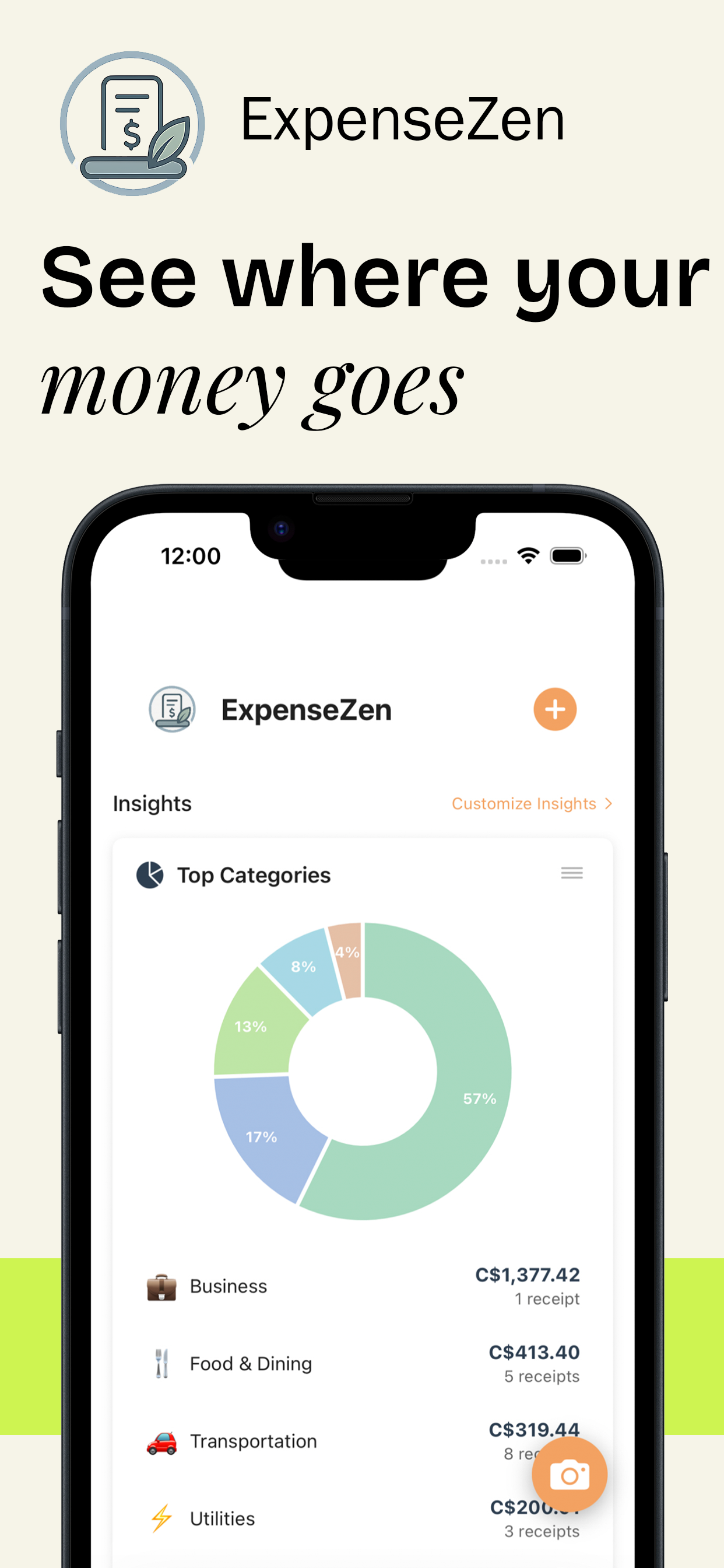
See spending patterns clearly so your records stay organized and easy to review
AI helps group and label expenses so you can find what you need later. Use organized records when you prepare reports, talk with your bookkeeper, or review a busy month. ExpenseZen does not provide tax advice.
Spot patterns across categories, projects, and trips. See where money goes so you can make calmer decisions about costs, without manual spreadsheet digging.
Useful for contractors, small businesses, and people who collect travel or reimbursement receipts. Organize by job, client, or trip so reports match the way you actually work.
Everything you need to manage expenses like a pro
Know exactly where your money went — without manual typing.
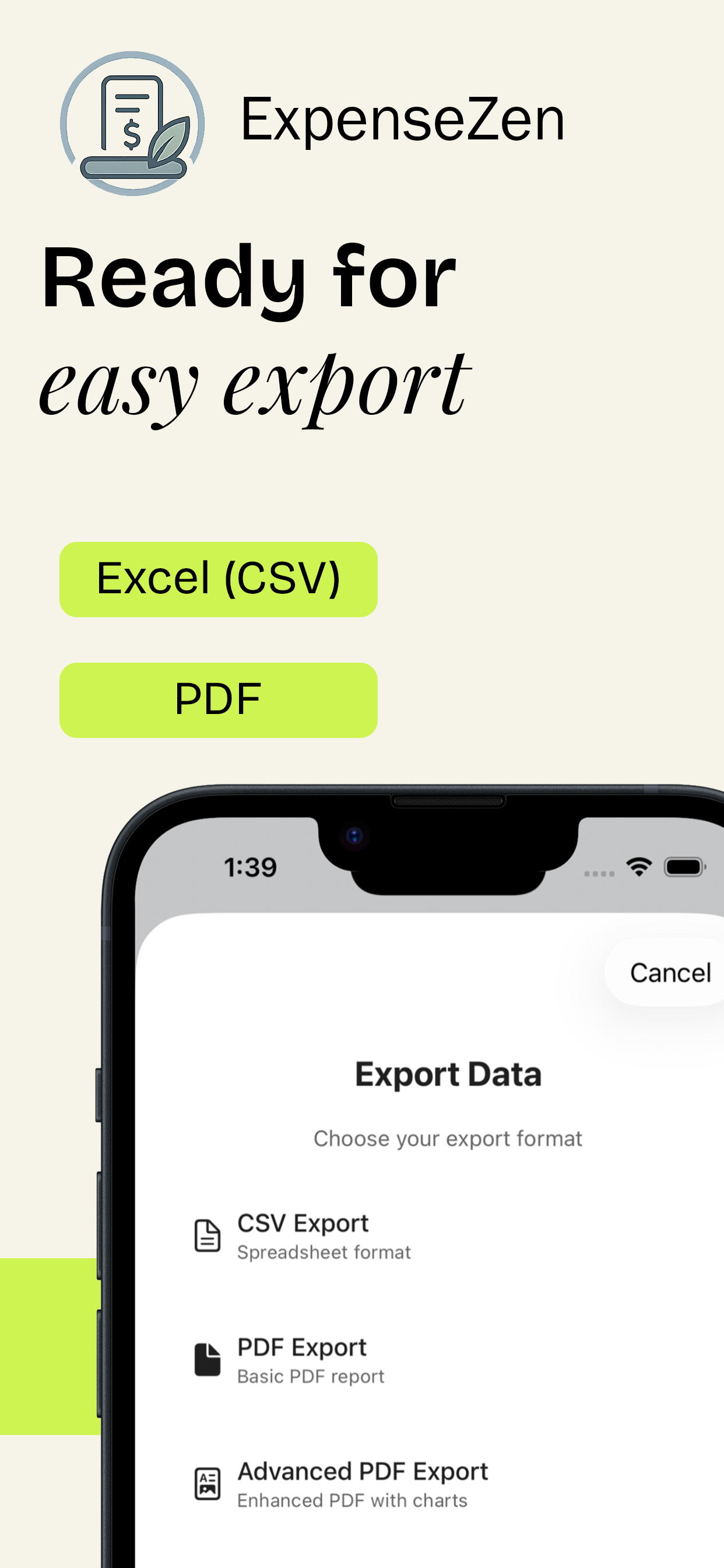
PDF & CSV exports ready for finance and accounting — no cleanup required.
Perfect for consultants, travelers, and anyone with multiple expense streams.
Email or camera — no receipt gets lost again.
Auto-recognizes vendors and lets you add context with ease.
Access receipts from phone, tablet or web; never lose data.
Process receipts sent to your email automatically with AI-powered analysis
Simply forward any receipt email to your ExpenseZen address and we'll process it automatically. Perfect for business travelers and remote workers.
Our advanced AI extracts receipt data from any email format - PDFs, images, HTML, and more. No manual data entry required.
Receipts are processed and categorized within seconds. Get the same AI-powered insights as camera-scanned receipts.
Perfect for: Business travelers, contractors, real estate investors, and anyone who receives receipts via email
Start free, upgrade when you need more power
FREE forever for light users
Perfect for users who don't have a lot of AI scanning needs but still require expense tracking
per month · billed via App Store or Google Play
per year ($3.33/month)
one-time · billed via App Store or Google Play
Download ExpenseZen Now:
Yes. You can try ExpenseZen without Google or Apple sign-in. You get Free limits (including 20 AI smart scans per month and 3 email forwards per month). Sign in with Google or Apple when you want to upgrade to Premium for unlimited scans, backup, unlimited email forwards, and advanced exports.
A smart scan is when you take a receipt photo with the camera or import one from your gallery and AI extracts the details. Manual and recurring entries do not use AI and do not count toward your smart scan limit.
By default your data stays on your phone. Cloud backup (Premium) stores receipt photos and details so you can restore. You can export your full database or request account deletion under Settings → Privacy and security.
Yes. Cancel anytime through Google Play or the App Store (wherever you subscribed). You keep Premium until the end of the current billing period, then the account returns to the Free plan. Lifetime is a one-time purchase with no renewals.
Filter receipts first (for example by year or project), then export that set. Free includes CSV/Excel and simple PDF. Premium adds advanced PDF with analysis and a zip of receipt photos grouped by month, so you can share what your bookkeeper or accountant asks for.
You can enter expenses manually offline. AI smart scanning needs an internet connection. If you are offline, take photos on your phone and later import them from the gallery when you are back on Wi-Fi.
Yes. Free users can track 2 projects or clients. Premium users get unlimited. Each receipt belongs to one project or client, which makes filtered exports for a job or client straightforward. ExpenseZen is a solo app today (not shared household or team seats).
Verify your email under Settings, then forward machine-readable receipt emails to receipts@expensezenapp.com. Free includes 3 forwards per month; Premium is unlimited. The app can notify you when a forward is recognized or looks like a duplicate.
World currencies are supported. On a smart scan, the app often infers currency from receipt cues (such as location or currency marks). You can edit the currency anytime.
AI usually fills merchant, date, subtotal, tax, total, currency, category, receipt number, and payment type. You can review and edit every field before or after saving. Flash is on by default to help with clearer photos; if a scan is off, discard and rescan or enter details manually.
Have questions? We'd love to hear from you. Send us a message and we'll respond as soon as possible.